Cohesity and Nutanix: Prism Element vs Prism Central
Overview
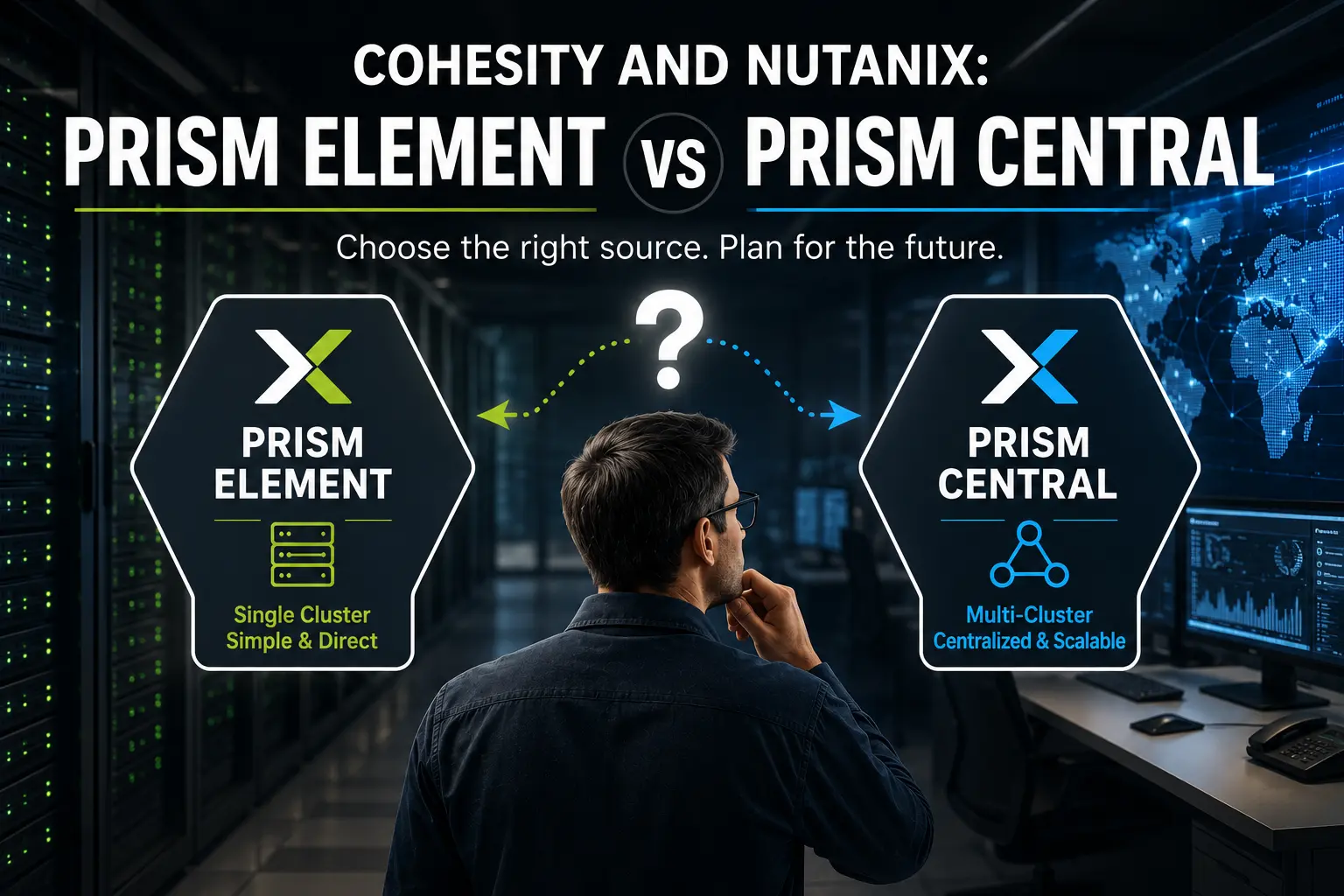
If you are standing up Cohesity Data Protect against a Nutanix environment, one of the first decisions you make also turns out to be one of the stickiest: do you register Prism Element or Prism Central as your source? The choice shapes how much you can manage from one place, how you select what to protect, and how easily your protection scales as you add clusters. Get it right up front and the rest of the build falls into place. Get it wrong and, as you will see, there is no clean way back. This post walks through what each source gives you, where each one shines, and the one caveat worth flagging before you register anything.
What Changed with Prism Central Support
For a long time, Prism Element was the only supported source for Cohesity Data Protect with Nutanix. If you were registering an AHV environment, you pointed Cohesity at a Prism Element cluster and that was the model.
That changed starting with the Cohesity 7.2.2_u2 release, which added Prism Central as a supported source alongside standalone Nutanix clusters. It opens up centralized, multi-cluster protection in a way that was not possible before. Two later releases rounded out the model: tag-based VM selection allowing Auto Protect or Exclude actions based on tags and vTPM metadata arrived in 7.3, and 7.4 added backup and recovery of Directly Attached Volume Groups (VGs) for virtual machines running on Nutanix AHV and "Cap concurrent streams per Datastore" option when registering a Prism Central or Prism Element source for fairer resource use across workloads. If you are on a current release, both source types are on the table, and the right answer depends on the shape of your environment.
The One Caveat to Read First
Before we get into the benefits of each, here is the thing to internalize: there is no migration path from a Prism Element source to a Prism Central source.
If you register Prism Element today and later decide you want the centralized, Category-driven model that Prism Central offers, you cannot simply re-point the existing source. You are looking at registering Prism Central as a new source and rebuilding your protection around it. For a brand new deployment on 7.2.2_u2 or later, this is worth a hard look before you commit, because the decision is easier to make now than to unwind later.
That said, Prism Element is not the wrong answer. It is the right answer for plenty of environments. The point is to choose deliberately rather than by default.
Prism Element as a Source
Prism Element manages a single Nutanix cluster. When you register a Prism Element, you are targeting that specific cluster for protection operations, and Cohesity discovers and protects the VMs and objects that live on it.
Where Prism Element fits well:
- Isolated or single-cluster environments. If you are protecting one cluster and have no plans to centralize, the simplicity of a direct cluster registration is a feature, not a limitation.
- Clear blast radius. The source maps to exactly one cluster, so there is no ambiguity about what a given registration covers.
- Minimal dependencies. You are not relying on a Prism Central instance being healthy and reachable for backups to proceed.
The trade-off is scope. Object discovery is limited to the objects within the registered cluster, and auto-protection of future objects happens per cluster. Protect ten clusters this way and you are managing ten registrations.
Prism Central as a Source
Prism Central provides a centralized interface across several Nutanix clusters. Register Prism Central and Cohesity can discover and protect VMs and objects across all of the clusters that Prism Central manages, from a single source.
Where Prism Central earns its place:
- Multi-cluster scale. One source covers many clusters, so you manage protection from one place instead of cluster by cluster. A nice operational touch: if the same account is used for both Prism Central and the underlying Prism Element credentials, you do not have to re-enter the Prism Element credentials, and if one cluster has bad credentials Cohesity logs a warning for that one and still registers the rest.
- Category-based object selection. This is the one I would underline. When Cohesity refers to selecting VMs by tag, what it is really keying off is Prism Central Categories, the key and value pairs you assign to VMs (for example
Environment: ProductionorBackup: Tier1). Starting in Cohesity 7.3 you can select or exclude VMs by Category value, with options to Auto Protect This Tag, Select All Child Objects, or Exclude This Tag. Prism Element has no equivalent, because Categories are a Prism Central construct. - One taxonomy across DR, networking, and backup. This is what makes Categories worth leaning on. You are very likely already using them to drive Recovery Plans for disaster recovery and to drive Flow microsegmentation policies for network security. Registering Prism Central lets you extend that exact same taxonomy to data protection, so a VM tagged
Backup: Tier1is picked up by the right protection policy automatically, the same way it is already placed in the right recovery plan and the right network policy. One label, three disciplines, no separate inventory to maintain. - Dynamic, auto-protecting policies. Because selection keys off Categories, you can auto-protect every VM carrying a given value, including VMs that do not exist yet. New workloads inherit protection the moment they are tagged correctly, across all managed clusters.
- More flexible recovery. With Prism Central in the picture you can recover VMs from one Prism Central to another, or within the same Prism Central instance to a different Prism Element cluster. One caveat worth knowing: mass Instant Recovery cannot span clusters, so VMs in a single mass restore must all land on the same cluster.
The trade-off is that you are introducing Prism Central as a dependency in the protection path, and the broader scope means a single source now spans a lot of surface area. For most multi-cluster shops, that centralization is exactly what you want.
Side by Side
| Feature | Prism Element | Prism Central |
|---|---|---|
| Scope | Single cluster | Multiple clusters |
| User account location | Local to the cluster | Centralized in Prism Central |
| Category-based selection | Not available | Yes, by Prism Central Category |
| Auto-protect future objects | Per cluster | Across all managed clusters |
| Best fit | Isolated cluster protection | Centralized, multi-cluster management |
Registering the Source
Whichever way you go, the mechanics are similar. You create a local user or role mapping (on the Prism Element cluster), or in Prism Central using IAM with Authoriziation policies (either local user under Identities or by mapping a User/Group), then in Cohesity Data Cloud go to Data Protection, Sources, Register, and choose Virtual Machines. The Source Type is where the path forks: pick Acropolis: Acropolis Standalone Cluster to target a Prism Element, or Acropolis: Prism Central to target Prism Central. Enter the hostname or IP and the credentials, and Cohesity auto-discovers the cluster objects.
One requirement that applies no matter which way you go: the Nutanix Cluster Data Services IP must be configured on the cluster regardless of whether you register Prism Central or Prism Element as the source. Cohesity uses it for the iSCSI backup path, so a missing or unconfigured Data Services IP will break backups for either source type. Confirm it is set before you register anything.
One firewall note that bites people: when you register Prism Central, the Prism Central IP also needs the same ports open as the CVMs and Data Services IP, namely 9440 for REST API calls and 3205 and 3260 for the iSCSI backup path, plus 111 and 2049 inbound for Instant Recovery.
Nutanix Files Either Way
Worth noting for anyone protecting unstructured data: both Prism Element and Prism Central are supported sources for Nutanix Files backup and recovery. The source decision here is about how you want to manage and scale protection, not about whether a particular Files workload is covered.
How to Choose
The decision comes down to scope and direction:
- Pick Prism Element when you are protecting a single, isolated cluster with no plan to centralize, and you value a direct, dependency-light registration.
- Pick Prism Central when you run, or expect to run, multiple clusters and want one source, Category-driven selection that reuses the taxonomy you already run for DR and network segmentation, and auto-protection that scales as you grow.
Whichever you choose, make sure the user account you create has the privileges the documentation calls for, since under-privileged accounts are a common cause of discovery and backup failures. And keep that migration caveat in mind: on a fresh 7.2.2_u2 or later deployment, choosing Prism Central now is far less painful than converting to it later.
Are you running Cohesity against Nutanix today, and which source did you land on? I would love to hear how the PE versus PC decision played out in your environment, so reach out and let me know.
Connect with me on LinkedIn or reach out at mike@mikedent.io.