Why CML Earned a Permanent Spot in My Workflow
Overview
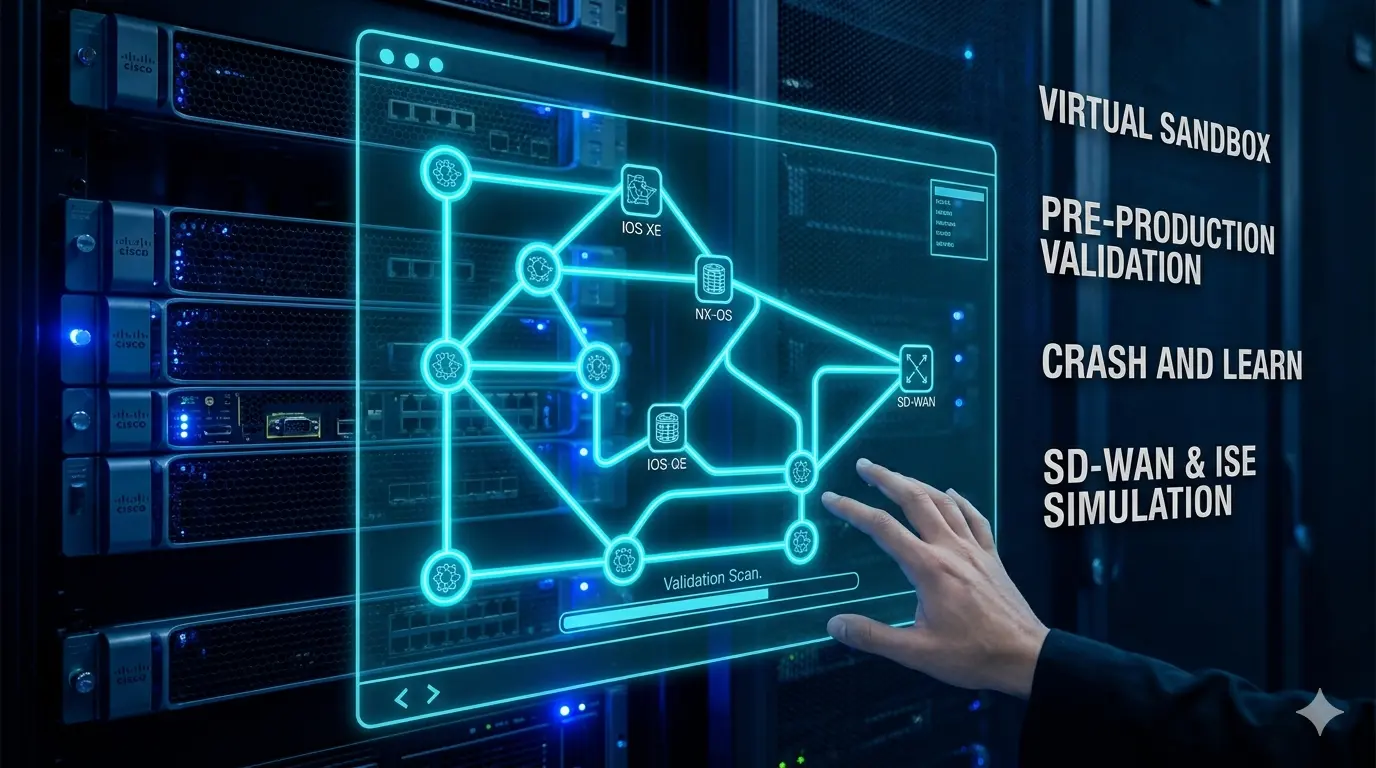
If you are a network engineer who has ever stared down a change window and wished you could test the exact topology before touching production, this post is for you. I want to walk through why Cisco Modeling Labs (CML) has become one of the most used tools in my day to day, and how it has shaped the way I approach design, migrations, and team enablement. The short version: a sandbox that mirrors real gear means fewer surprises at 2 AM, faster validation on design work, and a safer way to bring the next engineer up to speed.
What CML Is, and Why You Should Use It
For anyone not already running it, CML is Cisco's official network emulation platform. It runs real Cisco images for IOS XE, IOS XR, NX-OS, ASA, FTD, and more, with a web UI where you drop nodes on a canvas, cable them together, and boot a live topology. You get console access to every device, a REST API to automate around, and enough fidelity that configs validated in the lab behave the same way on real gear.
It is worth saying out loud: CML is in a dramatically better place than it was a decade ago. I used Cisco VIRL back in the early days, and it could be rough. Node boot times were painful, the UI had its quirks, stability was hit or miss, and standing up anything beyond a handful of nodes felt like a negotiation with the hypervisor. CML today is a different product. It is faster, more stable, the UI is pleasant to work in, and it scales well past what VIRL could reasonably handle. If the old VIRL experience is what kept you away, it is absolutely worth another look.
The 2.9 release line added a handful of things that genuinely changed how I use it:
- Docker container support. CML 2.9 ships with 10 pre-built container images, including Chrome and Firefox for in-lab browser testing and Free Range Routing (FRR) for open source routing. Containers use a fraction of the CPU, memory, and disk of a full VM, which means more nodes per server and faster boot times.
- External lab repositories. You can link a Git repository to your CML instance and have sample labs synced and cached on the controller, which makes sharing topologies across a team much cleaner than passing YAML files around.
- Node disk image cloning. If you have tweaked an Ubuntu image with exactly the packages and tools you want, you can promote that node's disk into a reusable image for future labs. Real time saver.
- Expanded reference platform images. The supplemental ISO now includes Catalyst 9800-CL Cloud Wireless Controller, Cisco ISE, and Splunk Enterprise, which opens up a lot more end to end scenarios without leaving the lab.
- Serial IOL nodes. The new IOL node type includes serial interfaces with Frame Relay and HDLC / PPP support, which is a nice callback for anyone studying legacy protocols or supporting older WAN environments.
- Finer grained lab sharing. Permissions now include View, Exec, Edit, and Admin levels, so you can hand a lab to a teammate in read only mode or give them interactive access without letting them reshape the topology.
Docker support has been the change I have leaned on the most. Dropping an FRR container into a larger IOS XE or Nexus topology lets me simulate edge routing without burning a full VM slot, and having Chrome available in the lab is surprisingly handy when you want to test captive portal or web based authentication flows against something like ISE.
More Than Just Routers and Switches
Beyond any single release, one of the things that has impressed me about CML over the last few years is how broadly Cisco keeps expanding what you can build inside it. The platform has moved well past routing and switching fundamentals into full solution level deployments. A few examples that really stand out:
- Cisco SD-WAN. You can now stand up a complete Catalyst SD-WAN fabric inside CML, including SD-WAN Manager, Controllers, Validators, and Catalyst 8000V edge routers running in controller mode. Cisco also publishes an open source SD-WAN Lab Deployment Tool that automates the fabric stand up, certificate handling, and edge onboarding in minutes instead of hours. That kind of first party tooling is a big deal for anyone trying to learn SD-WAN or validate a production design before rolling it out.
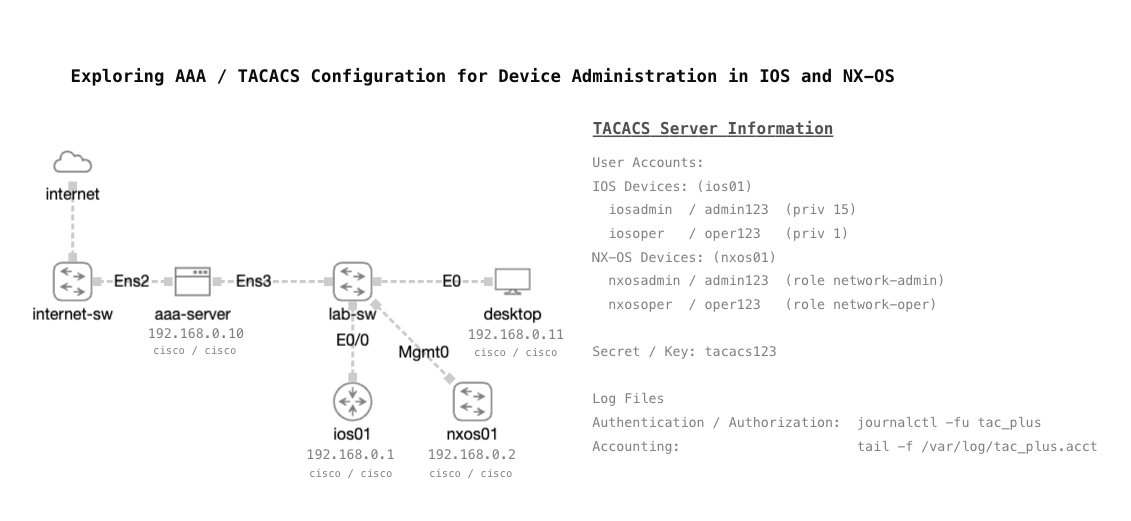
- Cisco ISE. With ISE available in the reference platform, you can lab posture assessment, 802.1X, TACACS+, guest portals, and RADIUS policies against live network devices in the same topology. Building realistic ISE scenarios used to require dedicated gear or a sprawling home lab footprint. Now it is just another node on the canvas.
- Catalyst 9800-CL Wireless Controller. The C9800-CL image brings the wireless side of the network into CML. Pair it with ISE and a simulated switched fabric and you have a real end to end scenario for enterprise Wi-Fi designs, including client authentication flows, WLAN policy testing, and AP join behaviors.
The pattern is what matters here. CML is no longer just for practicing CCNA or CCNP topics. It is turning into a full solution validation platform for things like SD-WAN, identity services, and wireless, which means the investment you make in learning or building on it keeps paying dividends as Cisco layers on more capability.
The Freedom to Crash and Burn
Production is not a lab. You cannot reload a core switch because you want to see what happens, and you cannot bounce a firewall mid-migration just to test a failover path. CML gives you the freedom to do exactly that. I can push a half baked config, watch it break, back out, and try again, all without a ticket in the queue or a stakeholder on the phone. That freedom is underrated, and it is what pushes CML past being just a training tool and into something I rely on for real work.
Where It Has Paid Off
A few concrete scenarios where CML has earned its spot in my workflow:
- Switch configuration validation. Before pushing a VLAN, trunk, or routing change to a distribution switch, I can stage it in CML against the same platform and IOS XE version, verify spanning tree and OSPF or EIGRP behavior, and walk into the change with high confidence that I am not about to learn something the hard way.
- Firepower and ASA migrations. Standing up an ASA alongside a paired FTD in CML lets me build out access policies, NAT rules, and VPN configurations in parallel. I can validate object groups, test rule order, and catch the quirks that only surface when you actually run the config instead of reviewing it on paper.
- Nexus deployments. Multi-tier Nexus designs with vPC deserve more than a Visio diagram before the gear gets racked. CML lets me validate control plane peering, MAC learning behavior, and failover scenarios end to end before a single cable is pulled.
Enablement for the Team (and for Me)
The other place CML shines is bringing engineers up to speed, and that includes me. Without a lab budget to justify buying a pair of Nexus 9Ks, technologies like VXLAN EVPN would be tough to really dig into. CML has let me build out spine and leaf fabrics and work through the control plane, route targets, and encapsulation pieces in a way I would never be able to justify paying for in physical gear. It has opened up hands-on time with technologies I would otherwise only read about.
The same idea carries over to the team. Instead of handing a junior engineer a PDF and hoping it sticks, I can hand them a ready-made topology and let them poke at it. They see the same prompts, the same show commands, and the same failure modes they will see in production. That kind of hands-on exposure compresses the learning curve in a way that documentation alone never will.
How I Run It
One of the things that surprised me about CML is how approachable it is to stand up. You do not need a data center full of gear to get real value out of it. I run mine on an older Dell PowerEdge R630 on bare metal. I have the footprint to run CML as a VM on my Nutanix or VMware clusters, but giving it a dedicated box has let me scale up what I can do with it. Bigger topologies, more concurrent nodes, and room for memory hungry images like Firepower without fighting other workloads for resources. The R630 is not a new server by any stretch, and it still has plenty of gas to deliver what I need.
The networking side of the setup is where it gets even more interesting. The Dell is cabled into my Nexus core with multiple 10GbE uplinks, which opens up what I can actually validate. Instead of everything being siloed inside a CML topology, I can bridge lab networks out to real infrastructure, run dynamic routing scenarios between CML nodes and physical Nexus switches, and integrate a simulated design with a pair of physical FTDs sitting in the same environment. That blend of virtual and physical is where CML stops feeling like just a lab and starts feeling like an extension of the production network. I have not come close to uncovering all the possibilities yet.
Getting Your Hands on CML
One of the better decisions Cisco has made with CML is keeping it accessible to a wide range of users. Whether you are a seasoned engineer running a home lab, a consultant validating designs for clients, or someone just starting out and trying to get more hands on with networking, there is a licensing tier that fits.
This matters more now than it has in a long time. Hardware prices are climbing, lead times on enterprise gear are stretching, and the secondary market for used Cisco gear has gotten expensive and inconsistent. For anyone trying to build real networking skills on a reasonable budget, chasing down a rack of older 2960s, 3560s, or ASRs is no longer the clear path it used to be. CML removes that barrier. You are running real Cisco images on whatever compute you already have.
Here is how the licensing breaks down today:
- CML-Free. No cost, no license to apply, no Smart Licensing account required. You get 5 concurrent nodes plus unlimited unmanaged switches and external connectors, with access to IOL, IOL-L2, and ASAv images. For someone just getting started, this is a remarkable offer. You can build a working routed and switched topology, run OSPF or BGP against a real IOS, and actually troubleshoot it at zero cost.
- CML-Personal. Around $200 per year, moves you up to 20 concurrent nodes and unlocks the full reference platform ISO including IOS XE, IOS XR, NX-OS, ASA, FTD, and more. This is where most home lab enthusiasts and individual professionals end up.
- CML-Personal Plus. Same single user model as Personal but with 40 concurrent nodes. A good fit when you are running larger multi-tier topologies like spine and leaf fabrics or full campus designs.
- CML-Enterprise. Team oriented licensing with clustering support and expansion node licenses, so multiple engineers can share a larger controller and scale the compute horizontally.
- CML Higher Education. A dedicated track for academic institutions teaching networking, with its own pricing and node scale.
CML-Personal and Personal Plus are available through the Cisco Learning Store, and CML-Free is downloadable directly from Cisco with a free CCO account. Enterprise and Higher Education licensing goes through a Cisco partner or account team. The onboarding friction is low, which is another thing that has gotten a lot better compared to the old VIRL days.
If you are seasoned and just looking for a better sandbox, Personal or Personal Plus will cover almost any scenario you throw at it. If you are newer to networking and trying to figure out where to invest your time, CML-Free is the best place to start. You are learning on the same software your future employer is likely running in their own lab, and when you outgrow 5 nodes, the jump to Personal is cheap enough that it is barely a decision.
Final Thought
Not every organization has the luxury of a physical lab, and even the ones that do cannot stand one up as quickly as CML can. Between low effort topology creation, real Cisco images, and a UI that does not fight you, it has become my default first step for anything that matters.
If you are evaluating CML, or you want to compare notes on how you are using it for design, migrations, or onboarding, I would love to hear from you. Connect with me on LinkedIn or drop a note at mike@mikedent.io.